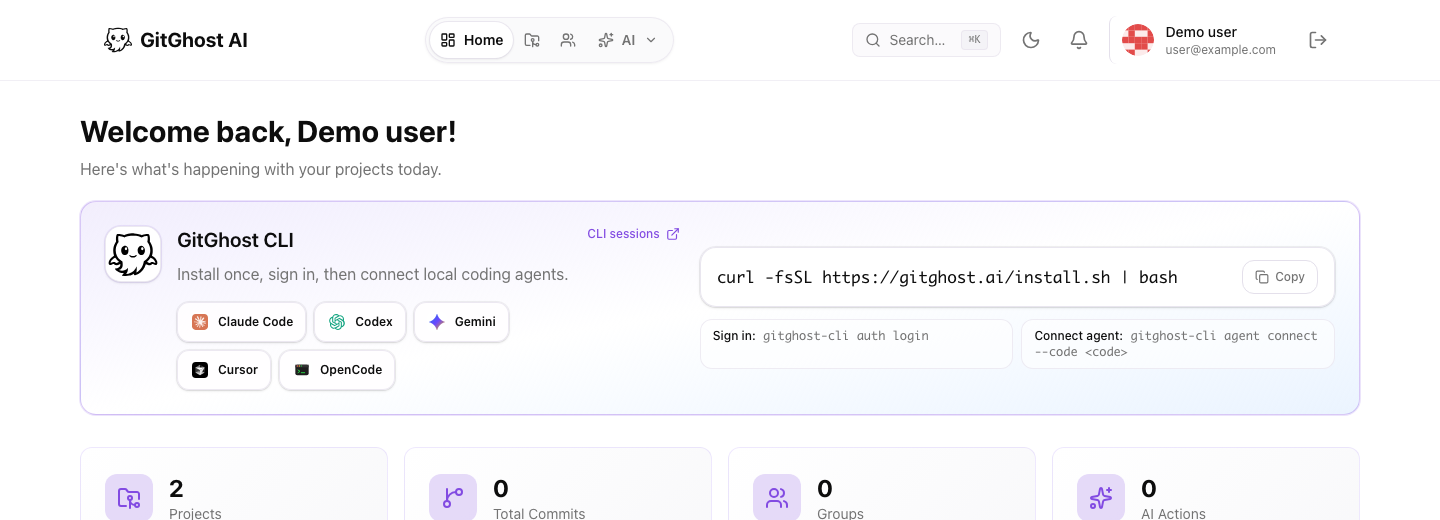
GitGhost CLI
terminal$ gitghost-cli setup
$ gitghost-cli agent connect
Connected to your shared workspace
Local agents
Install the CLI
Connect Claude Code, Codex, Gemini, Cursor, or OpenCode directly to GitGhost.
$ gitghost-cli setup
$ gitghost-cli agent connect
Connected to your shared workspace
Connect Claude Code, Codex, Gemini, Cursor, or OpenCode directly to GitGhost.
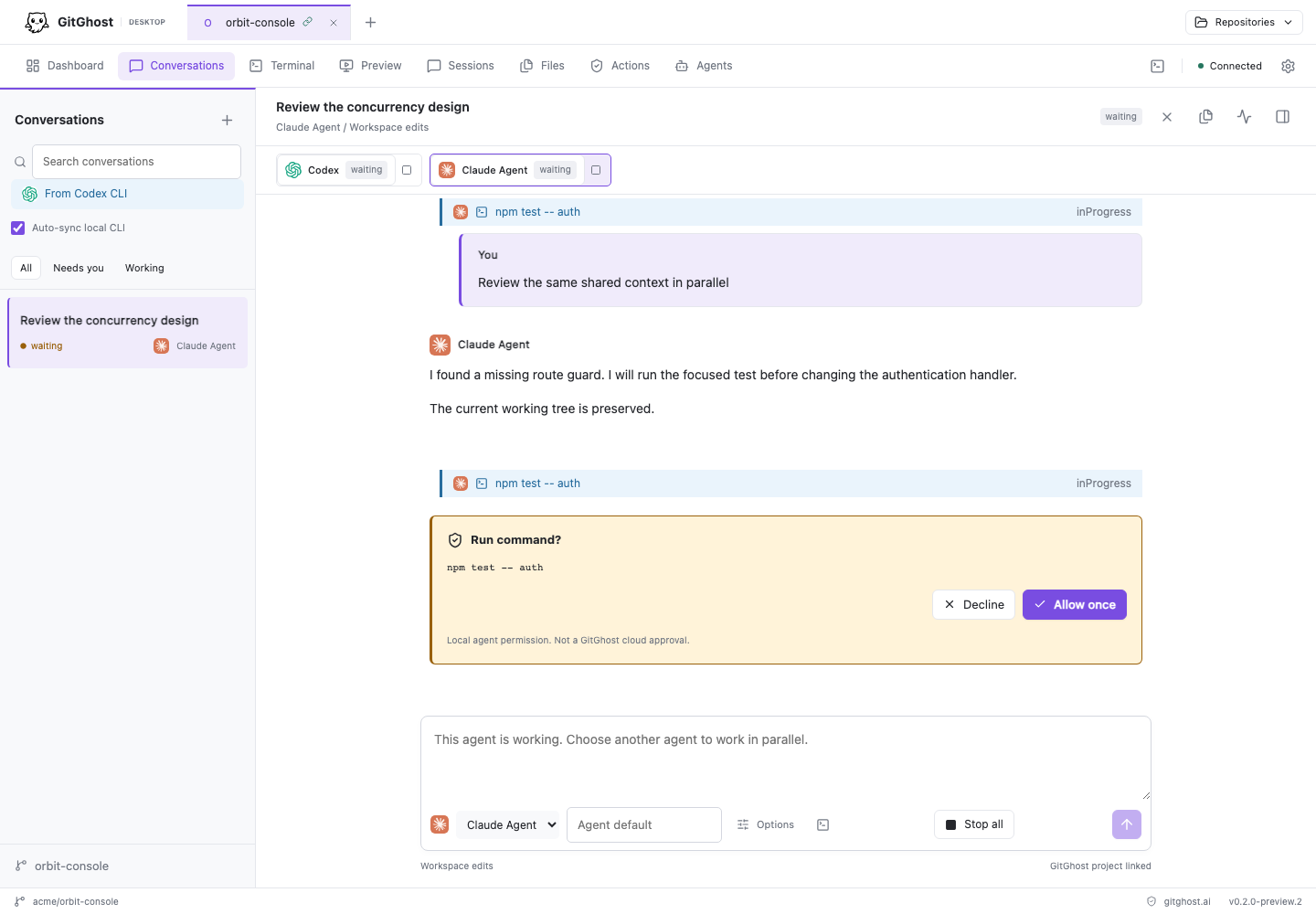
Run agents, terminals, reviews, and local app previews in one shared workspace.
Create or import a repository and start a shared agent session in the browser.
Multiplayer agent workspace
Tour the surfaces beta users work inside: repo hosting, AI chat, local agent sessions, merge review, pipelines, security, and activity evidence in one connected workspace.
gitghost.ai/dashboard/projects/:id
product mapProject repository
The project page keeps the file tree, README, branch controls, commit context, clone actions, and project tabs connected to issues, merge requests, pipelines, security, and the agent sessions behind each change.
File tree
README.md
mainTodo app
React app generated by a connected coding agent, committed on an AI branch, and ready for review.
Why GitGhost exists
Agents can now work for hours across real repos, but most teams still manage them through private chats and scattered terminal logs. GitGhost gives the team one shared place to follow the session, review the diff, approve the risk, and keep the handoff trail.
Turn product ideas into issues, agent sessions, branches, and reviewable merge requests without becoming the only person who understands what the agent did.
Keep using Claude Code, Cursor, Codex, Gemini, OpenCode, or your own tools while GitGhost turns each session into shared context, diff evidence, approvals, and handoff history.
Move faster without letting private agent chats bypass review. Policies, approvals, scans, and audit trails stay attached so teammates can inspect the work together.
Platform capabilities
No more passing around read-only chat links, terminal screenshots, CI logs, and security notes just to let another teammate understand the work.
Repos, branches, issues, merge requests, comments, and activity sit next to the agent sessions that produced each change.
Create issues, inspect projects, propose patches, request reviews, prepare merge requests, and hand off tasks to local or hosted coding agents.
Build and test projects with a pipeline engine designed for isolated runners, evidence, retries, logs, and future deployment gates.
Run code, dependency, secret, infrastructure, and web checks, then turn actionable findings into alerts or reviewed update requests.
GitGhost remembers sessions, transcripts, checkpoints, approvals, and outcomes so a teammate can understand why a change exists.
Technical and non-technical teammates can follow agent work together while developers keep the merge, policy, and review controls they expect.
Your agents, one shared control surface
The future is not one assistant. It is many agents, each with different strengths, working inside one team-readable workflow: connect, capture, follow, review, approve, merge.
Local session
feature/checkout-polish
What reviewers actually see
The point is not to let AI run wild. The point is to make agent work easy to inspect, discuss, approve, reproduce, and merge.
What was asked, what the agent tried, what changed, and where the work paused for team review.
Diff, issue link, reviewers, approvals, and generated summary stay attached to the change.
Build logs, test results, artifacts, retry state, and failure reasons stay visible before merge.
Security findings, dependency risk, secrets, and policy decisions stay visible in the same review flow.
Trust by design
GitGhost treats AI like a powerful teammate, not a magic admin account. Least privilege, visible approvals, security evidence, and traceable decisions stay in the workflow.
Agents get project-scoped access, not your whole account
Risky actions can require human approval before execution
Secrets and user credentials stay isolated from agent prompts
Security scans and update proposals are visible before merge
Every agent session keeps a trail of checkpoints and decisions
How it works
01
Create a project, import a repository, or describe the work in the AI workspace.
02
Use GitGhost chat, connect a local coding agent, or run hosted agents when project policy allows it.
03
See transcripts, checkpoints, changed files, requested actions, security results, and pipeline status while the work moves toward review.
04
Review the patch, run checks, keep the audit trail, and let teammates pick up the context without reconstructing five disconnected tools.
Why switch
Old flow
One person prompts an agent, code appears somewhere else, CI runs in another tab, security lives in a backlog, and the team cannot inherit the context.
GitGhost flow
Agent sessions, branches, patches, approvals, scans, pipelines, and merge evidence stay connected so the next teammate can review or continue.
Questions
Join the beta, connect a repo or agent, and see how GitGhost turns private AI work into shared software delivery.